
Lorem ipsum dolor sit amet, consectetur adipiscing elit. Ut elit tellus, luctus nec ullamcorper mattis, pulvinar dapibus leo.
Lorem ipsum dol
Lorem ipsum dolor sit amet, consectetur adipiscing elit. Ut elit tellus, luctus nec ullamcorper mattis, pulvinar dapibus leo.
Spectra: Gutenberg Blocks

Summary
Whether you’re a beginner, marketer, web designer or developer, Spectra includes all the tools and resources you can trust to succeed online.
Running macOS and Windows 10 on the Same Computer
Cursus iaculis etiam in In nullam donec sem sed consequat scelerisque nibh amet, massa egestas…
Apple opens another megastore in China amid William Barr criticism
Cursus iaculis etiam in In nullam donec sem sed consequat scelerisque nibh amet, massa egestas…

The ‘Sounds’ of Space as NASA’s Cassini Dives by Saturn
Cursus iaculis etiam in In nullam donec sem sed consequat scelerisque nibh amet, massa egestas…

Broke a Glass? Someday You Might 3-D-Print a New One
Cursus iaculis etiam in In nullam donec sem sed consequat scelerisque nibh amet, massa egestas…
This Is a Giant Shipworm. You May Wish It Had Stayed In Its Tube.
Cursus iaculis etiam in In nullam donec sem sed consequat scelerisque nibh amet, massa egestas…
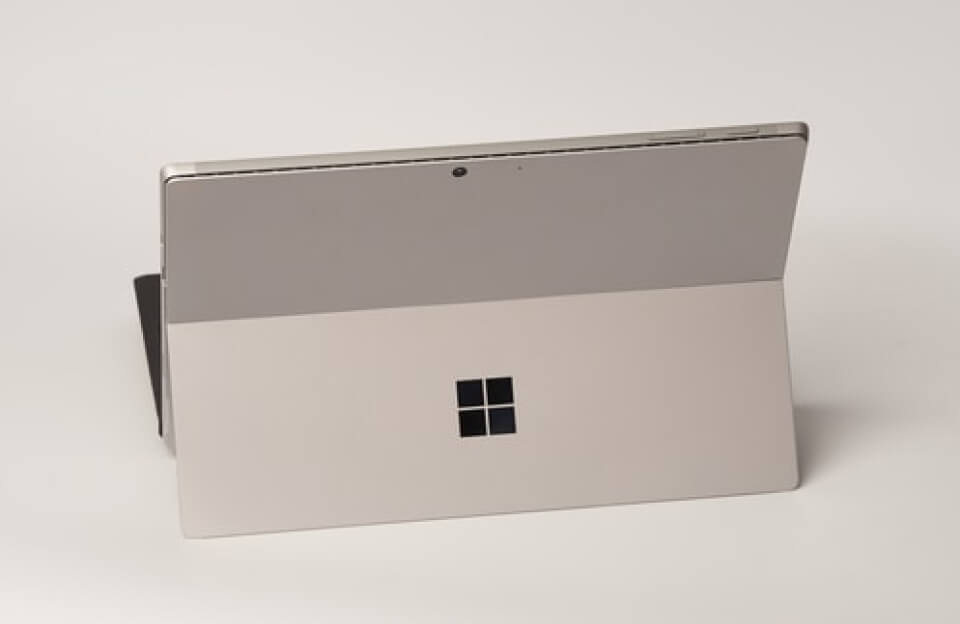
For Families of Teens at Microsoft Surface
Cursus iaculis etiam in In nullam donec sem sed consequat scelerisque nibh amet, massa egestas…
Notice Title
How To Configure How-To Schema In Spectra?
So to get started, you will just need to drag-n-drop the How-to Schema block in the Gutenberg editor. The How-to Schema block can be used on pages that contain a How-to in their title and describe steps to achieve certain requirements.
Total Time Needed :
30
Minutes
Total Cost:
65
USD
Required Tools:
Things Needed?
Steps to configure the How-to Schema:
Click here to change this text. Lorem ipsum dolor sit amet, consectetur adipiscing elit. Ut elit tellus, luctus nec ullamcorper mattis, pulvinar dapibus leo.
Click here to change this text. Lorem ipsum dolor sit amet, consectetur adipiscing elit. Ut elit tellus, luctus nec ullamcorper mattis, pulvinar dapibus leo.
Click here to change this text. Lorem ipsum dolor sit amet, consectetur adipiscing elit. Ut elit tellus, luctus nec ullamcorper mattis, pulvinar dapibus leo.
Timeline Heading 1
This is timeline description. Please click here to change this description.
Timeline Heading 2
This is timeline description. Please click here to change this description.
Timeline Heading 3
This is timeline description. Please click here to change this description.
Timeline Heading 4
This is timeline description. Please click here to change this description.
Timeline Heading 5
This is timeline description. Please click here to change this description.

Review 117.